
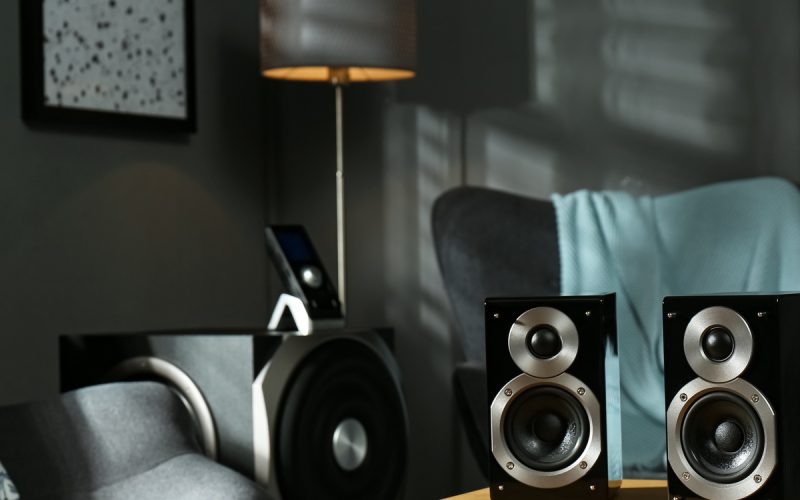
You’ve dropped serious cash on a killer sound system, but your speakers still sound like they’re underwater. Before you start questioning your life choices or blame the neighbor’s Wi-Fi interference, let’s figure out what’s actually sabotaging your audio experience.
Poor speaker performance doesn’t just happen randomly. Several culprits could be murdering your sound quality, and most of them have straightforward fixes that won’t require an engineering degree or a second mortgage.
Below is a list of things affecting your speaker output and solutions worth trying. The best-case scenario? You fix the problem. And the worst? You learn something new.
Room Acoustics: Your Silent Audio Assassin
Your room might be the biggest villain in this story. Hard surfaces like bare walls, glass windows, and tile floors bounce sound waves around like a pinball machine, creating echoes and muddying your audio.
Sound waves need something soft to absorb excess reflections. Adding carpet, curtains, or even strategically placed furniture can dramatically improve your speaker output. You don’t need professional acoustic panels—though they help—when a simple bookshelf or couch can break up those harsh reflections.
Speaker placement matters, too. Avoid shoving your speakers directly against walls or cramming them into corners where bass frequencies build up and create that boomy, unclear sound.
Power Issues That Kill Performance
Your speakers need adequate power to perform properly, but more watts doesn’t always equal better sound. Underpowered speakers struggle to reproduce dynamic peaks, leading to distortion and clipping. Overpowered setups can blow drivers if you’re not careful with volume levels.
Check your amplifier’s power rating against your speaker specifications. Most speakers perform best when paired with amplifiers delivering 75 – 150 percent of the speaker’s RMS power rating.
A little headroom prevents strain during loud passages while maintaining clean sound at normal listening volumes.
Cable Connections: The Weak Link Nobody Talks About
Cheap, poorly shielded cables introduce noise and signal loss that degrades your audio quality. Damaged connections create intermittent dropouts, crackling sounds, and reduced dynamic range.
When you choose a cable for high-fidelity audio setups, invest in properly shielded options with solid connectors. Speaker wire gauge also matter—longer runs require thicker wire to maintain signal integrity. Here’s what works for most setups:
- 16 gauge wire for runs under 50 feet
- 14 gauge for 50 – 100 foot runs
- 12 gauge for runs over 100 feet
Environmental Interference Wrecking Your Sound
Electronic devices near your speakers can introduce unwanted noise. Cell phones, wireless routers, and fluorescent lights all emit electromagnetic interference that audio cables can pick up.
Keep signal cables away from power cords and electronic devices. Using balanced connections (XLR or TRS) instead of unbalanced (RCA) rejects interference in longer cable runs.
Temperature and humidity also affect speaker performance. Extreme conditions can damage drivers and alter the electrical properties of internal components.
Source Quality: Garbage In, Garbage Out
Your speakers can only reproduce what you feed them. Heavily compressed music files, poor recordings, and low-bitrate streaming services limit your system’s potential regardless of how much you’ve spent on equipment.
Streaming services like Spotify Premium, Apple Music, and Tidal offer higher quality audio options. Local files in FLAC or high-bitrate MP3 formats often sound noticeably better than heavily compressed alternatives.
Most speaker output problems stem from easily fixable issues rather than defective equipment. Start with room treatment and proper placement, then work through power requirements and cable quality.